About 60% of testers say they make extra income monthly from user testing—surprising, right? You’ll sit, speak into a mic, click through apps, and narrate your gut reactions, like a tiny, paid usability detective; I’ll show you how to set up crisp audio, pick high-paying gigs, and avoid instant disqualification. Stick around, because once you nail the basics, you’ll spot the shortcuts most people miss.
What User Testing Sites Are and How They Work
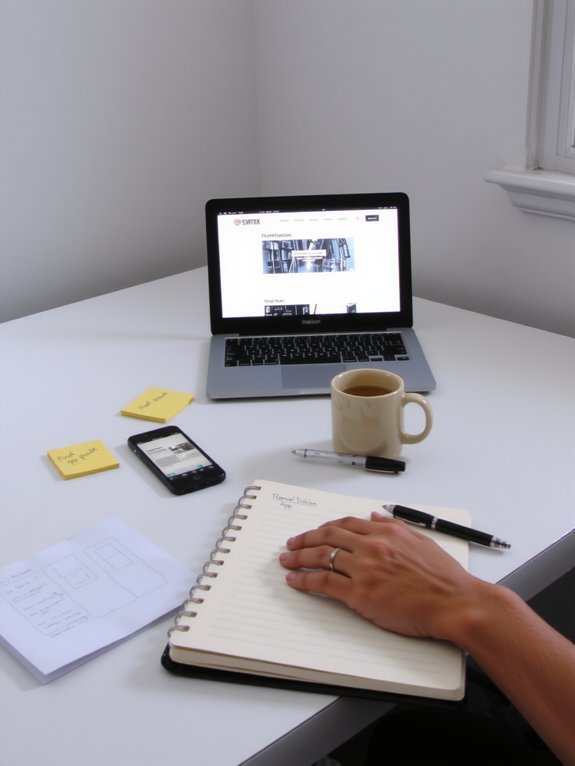
Think of user testing sites as your backstage pass to the internet’s product theater — you log in, share your honest reactions, and get paid for it. You’ll see a list of gigs, pick one that fits your profile, and immerse yourself. I guide you through prompts, you click, narrate aloud, and record testing feedback that helps designers fix clunky buttons and vague labels. Sites filter opportunities by user demographics, so you don’t waste time on tests meant for retirees if you’re twenty-five. You’ll feel like a secret critic, earbuds in, screen hot under your fingers, noting what sings and what stumbles. It’s simple, human work, and yes, you’ll occasionally laugh at your own blunt honesty.
Types of Tests You’ll Be Asked to Do

You’ll click through website menus and hunt for that sneaky “contact” link, narrating what you see, think, and feel as you go. Sometimes you’ll tap and swipe through mobile app sessions, so make noises like a real person testing buttons, and other times you’ll poke at prototype screens that haven’t yet learned to behave. I’ll walk you through each kind, give quick tips, and crack a joke when the UI fights back.
Website Navigation Tasks
When a site’s menu smells like a maze and the search bar plays hide-and-seek, I get to be the mapmaker — and you get paid for it. You’ll click, hunt, and narrate as you test website navigation tasks, noting where labels confuse you, where links vanish, and how long it takes to find checkout or contact info. Your spoken thoughts become website usability gold, developers crave this user feedback. Describe sensory details — the frustration of endless scrolling, the relief of a clear breadcrumb trail — and suggest fixes in plain talk. Tests ask you to follow paths, find items, and rate ease. It’s honest, fast, and oddly satisfying, like solving a tiny internet mystery for cash.
Mobile App Sessions
Alright, website hunts are fun, but mobile app sessions are where things get personal — you’re holding the whole test in your hand, literally. You tap, swipe, and narrate, while I poke at buttons and sigh dramatically. These tests focus on mobile app usability, so expect real tasks: logins, purchases, form fills, and surprise gestures that make you laugh or groan. Record your screen, speak your thoughts, and describe textures — the thumb-stretch, the slow-loading spinner, that smug success chime. You’ll give user feedback analysis in plain talk, not jargon. Be honest, be specific, and don’t be afraid to mock the tiny icon that looks like a sandwich. I’ll cheer when you find the bug, and clap when it’s fixed.
Prototype Interaction Tests
Because prototypes are rough sketches that still need your honest face and clumsy thumbs, I’ll ask you to treat them like fragile experiments — poke, prod, and narrate what breaks. I’ll hand you a taped-together wireframe, ask you to tap a button that isn’t glued down, and watch your reaction. You’ll speak aloud, click oddly, sigh, laugh — those sounds are gold. I guide you through prototype feedback methods, prompting specific tasks, then watching how you improvise. Typical usability test scenarios include finding an item, completing checkout, or fixing a broken label. You’ll describe textures, delays, and confusion, like a detective narrating a crime scene. I’m counting on honest messes, blunt feels, and your comic commentary to make designs usable — and to pay you.
Typical Pay Rates and How Payments Are Made
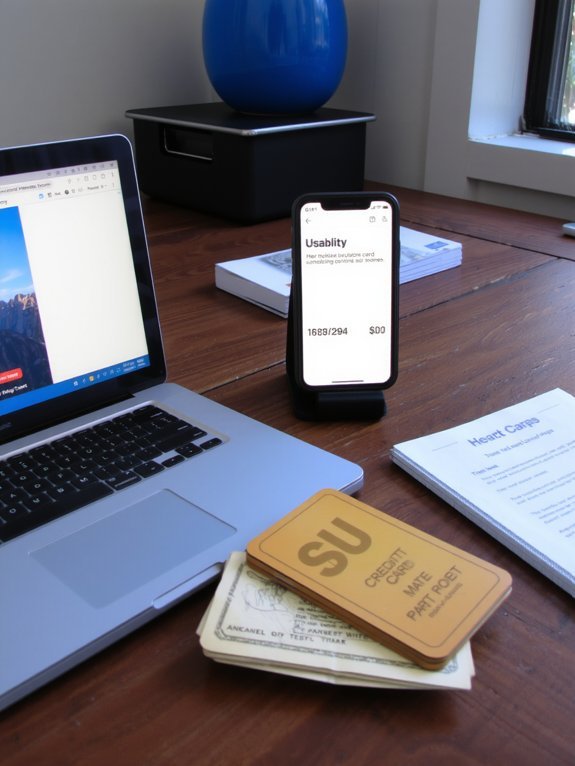
You’ll usually see tests pay anywhere from a couple of bucks for quick clicks to $60 or more for longer, moderated sessions, so you can pick the snacks you’ll buy with your first payout. I’ll walk you through common payment methods — PayPal, bank transfers, and gift cards — and point out fees, minimums, and wait times so you’re not surprised when the money hits (or doesn’t). Stick around, I’ll even show the little tricks that speed things up, like verifying accounts and timing withdrawals.
Typical Pay Ranges
Let’s talk money — real, small-transaction, slightly thrilling money you can earn testing websites. I’ll be blunt: typical earnings vary a lot, and you’ll see $3 quick checks to $60 longer gigs. Compensation structures usually split into paid tests, unmoderated tasks, and longer moderated sessions, each with its own tempo and payoff. You’ll click, speak, think aloud, and sometimes curse softly when a form won’t submit — that’s the job, and it feels oddly satisfying. Expect many $5–$15 microtests that pop up daily, plus occasional $30–$60 rides if you get invited to a live interview. Keep a tidy calendar, say yes to targeted invites, and stack small wins; they add up faster than you’d guess, honestly.
Payment Methods Explained
While payment systems differ between sites, I’m going to walk you through the usual suspects so you stop wondering if that $2 test was a prank, and start getting paid like a semi-professional internet detective. You’ll see hourly-style tests, flat-rate tasks, and bonus gigs. Typical pay ranges run from pocket change to $60 for long sessions, but averages sit around $10–$30. You’ll cash out through common payment methods: PayPal, Payoneer, direct bank transfer, or gift cards. Some sites use in-platform wallets that hold funds until payout, others push to payment platforms immediately. I’ve clicked the withdraw button at 2 a.m., heart racing, and gotten paid by morning. Learn each site’s payout threshold, fees, and timing, and you’ll stop guessing and start budgeting.
How to Create a Strong Tester Profile

Think of your tester profile as your online handshake—firm, confident, and not sweaty. I’ll show you tester profile tips that get you picked. Use a clear, friendly bio, mention devices you own, and list quick examples of past testing, even a tiny success story. Photo time: profile picture importance is real — bright, smiling, plain background, no sunglasses, look like you’d answer your door. Record a short voice intro if allowed, make it warm, natural, not robotic. Update skills, languages, and hobby clippings so you sound human. Proofread, trim, then preview on mobile. I promise, a tidy profile draws invites, like a neat mailbox attracts mail — but with cash, not junk.
Tips to Qualify More Often for Higher-Paying Tests

Now that your profile looks like someone you’d happily lend sugar to, it’s time to get choosy about the tests you qualify for — and get paid more for them. I tell you this: read every screener like it’s a tiny treasure map, spot keywords that match your life, and don’t click “apply” blind. Be specific in answers, show quick anecdotes, mention devices and habits — it smells like detail, sounds like experience, and raises your test quality instantly. Say no to irrelevant gigs; save energy for high-value invites. Refresh panels, answer surveys promptly, and keep your availability honest. I’ll admit, rejection stings, but each miss teaches you how to aim better, increasing your earning potential over time.
Tools and Equipment That Improve Your Test Quality
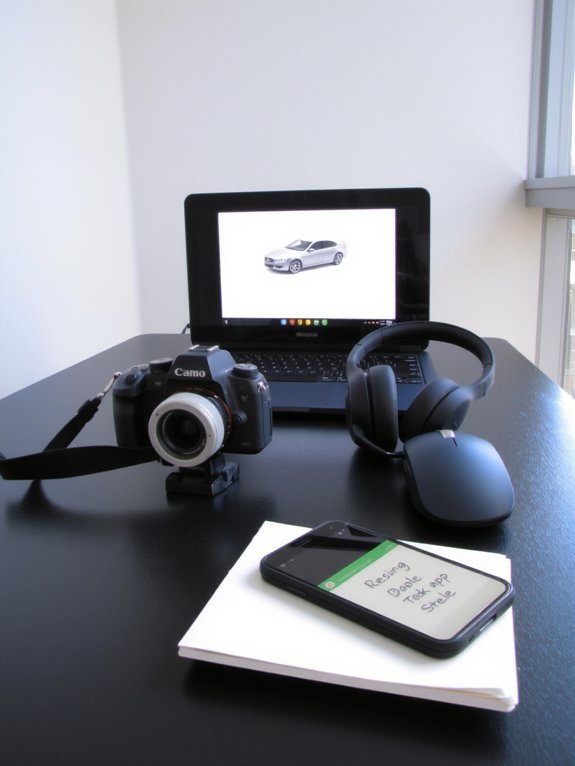
You want your voice to sound crisp, not like you’re whispering from inside a tin can, so grab a high-quality microphone that trims background hiss and makes your words pop. You’ll pair that with reliable screen recording software that captures every click and hover, so testers actually see what you’re describing, not a blurry ghost of it. Trust me, spend a little on gear now and your clips will look and sound so good clients will think you hired a pro — I’ll try not to get smug about it.
High-Quality Microphone
Microphone magic: don’t underestimate how much a clear, warm voice can boost your earnings on user testing sites — I learned that the hard way, after a dozen muffled takes and one very unflattering “sound of chewing” incident. You want microphone quality that flat-out shows you mean business, not a tinny echo. Get a condenser or dynamic mic, mount it on a boom, pop filter on, and position it off-axis so breath pops vanish. Listen for audio clarity, ambient hum, and room tone, fix with simple foam or a blanket if you must. Speak naturally, smile into the mic, and do a quick test clip before each session. Clients notice crisp sound, and you’ll get better ratings, repeat invites, and steadier pay.
Screen Recording Software
If you want clients to treat your tests like polished demos instead of shaky evidence, pick screen recording software that actually behaves—no lag, no weird pixel soup, and please, no surprise audio/video out-of-sync disasters. You’ll want crisp visuals, clear audio, and simple controls, so practice screen recording techniques that keep clicks visible, cursor movements smooth, and narration tight. I recommend tools that auto-sync and compress without chewing CPU; here’s a quick comparison to guide your choices.
| Feature | Why it matters |
|---|---|
| Low CPU use | Keeps recordings smooth, avoids lag |
| Auto sync audio/video | Prevents awkward pauses, saves edits |
| Cursor/highlight tools | Guides viewers, shows intent |
My software recommendations? Try OBS for power, Loom for speed, or Camtasia for polish.
Common Mistakes That Get You Rejected

Three quick mistakes wreck more test opportunities than you’d expect, and I’d know — I’ve flubbed every one. You breeze through sign-ups, then hit common application errors: sloppy typos, mismatched time zones, and vague bios that read like bland resumes. Recruiters toss you fast. Next, you give poor feedback quality — rambling, opinion-only comments, no task steps, no audio cues. I once whispered “it’s weird” into my mic; they rejected me before coffee cooled. Third, technical sloppiness kills chances: bad audio, shaky screen capture, or ignoring instructions. Fixing these is tactile: clean your mic, rehearse a concise recap, follow prompts like a dutiful robot. Do that, and you’ll stop losing tests to dumb mistakes.
Best User Testing Platforms to Try First

When you’re starting out, pick platforms that treat beginners like gold, not guinea pigs — I learned that the hard way after signing up for every site and getting ghosted. Start with big-name user testing platforms like UserTesting, Userlytics, and TryMyUI. They pay reliably, send steady user feedback opportunities, and have clear tasks. Join smaller niche sites too, like WhatUsersDo, for variety and faster invites. Create a comfy test station: headphones, quiet room, snacks, notebook. Read tasks aloud, click confidently, narrate what you see. Be punctual, honest, and quick — clients love clarity. I got my first five-star review by admitting a mistake on camera, then fixing it with a grin. That human moment pays more than perfection.
Strategies to Maximize Your Earnings Over Time
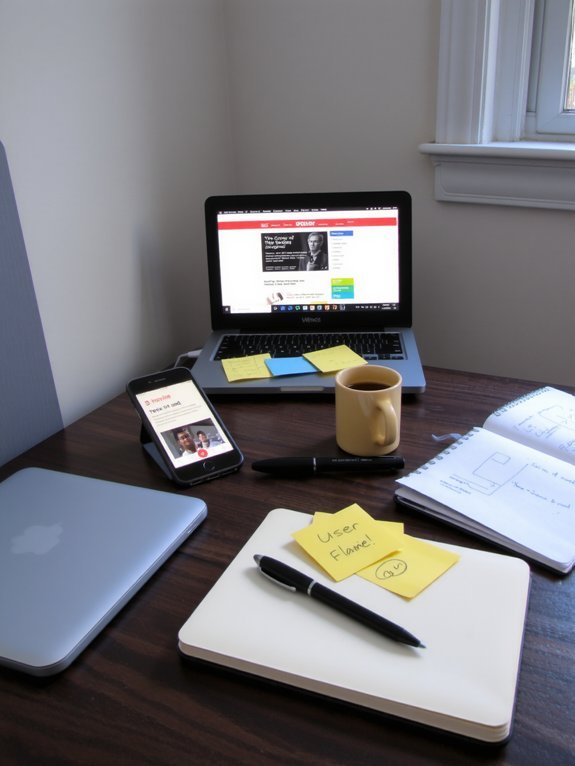
Because you want steady cash, not surprise tumbleweeds in your inbox, you’ve got to treat user testing like a tiny, eccentric business you actually enjoy running. I tell you this because routine wins. Set a weekly schedule, clear your workspace, brew a decent cup of coffee, and log into several sites so you don’t rely on one stream. Track your earning potential by noting pay rates, time spent, and acceptance rates in a simple spreadsheet. Tune your profile to match tester demographics that platforms seek, say age, tech comfort, or shopping habits. Offer crisp, friendly commentary on tests, submit on time, and follow up when feedback is requested. Reinvest earnings into better gear, and watch momentum build.
Balancing User Testing With Other Side Hustles
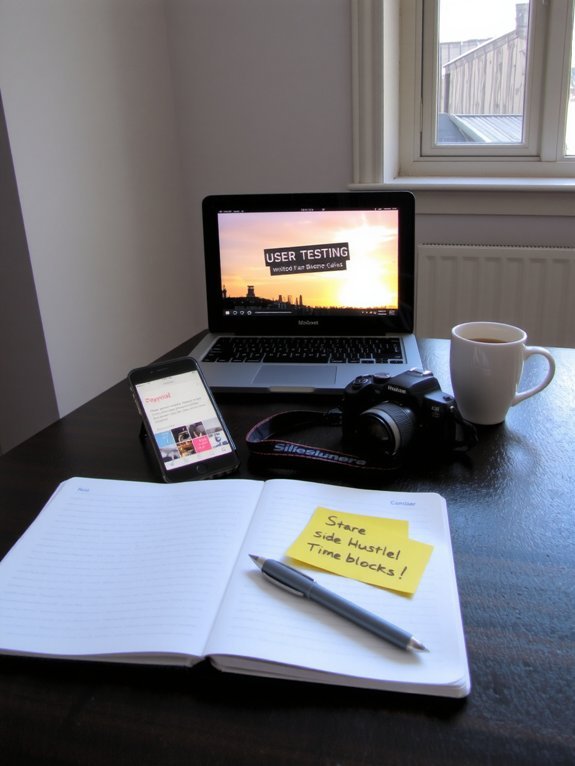
If you want your user testing hustle to play nice with your other side gigs, you’ve got to treat it like a roommate who keeps odd hours — polite, predictable, and tidy, but not invited to every late-night brainstorm. I tell you this while sipping cold coffee, calendar open, notifications soft. You’ll schedule testing blocks, mute distractions, and batch similar tasks, that’s balancing time. I mark priorities with color, a bright red for deadlines, blue for flexible gigs; it’s managing priorities in technicolor. Say no to tempting small tasks that drain you, yes to steady sessions that pay. You’ll feel the click when systems meet momentum, hear the ding of earned cash, and breathe easier, finally.
Conclusion
You’ll treat tests like spare change turned into a toolbox: small, steady gigs now, upgraded gear later. I’ll nag you to track pay, fix your mic, and answer clearly, while you grin at how clicking around in your pajamas pays rent. It’s casual, not magic — consistency beats luck. Do diverse tests, polish your profile, dodge careless mistakes, then stack earnings into smarter side-hustles. You’ll earn more by acting like you mean it.