You’re about to turn doodles into dollars, and I’ll walk you like a patient co-conspirator—think niche themes, print-ready lines, and mockups that pop on a phone screen; you’ll sketch, scan, package ZIPs, pick platforms, and price smart so people actually click buy. I’ll keep it practical, a little cheeky, and annoyingly useful, but first—let’s pick a niche that won’t make you cringe at your own work.
Choosing Profitable Niches and Target Audiences
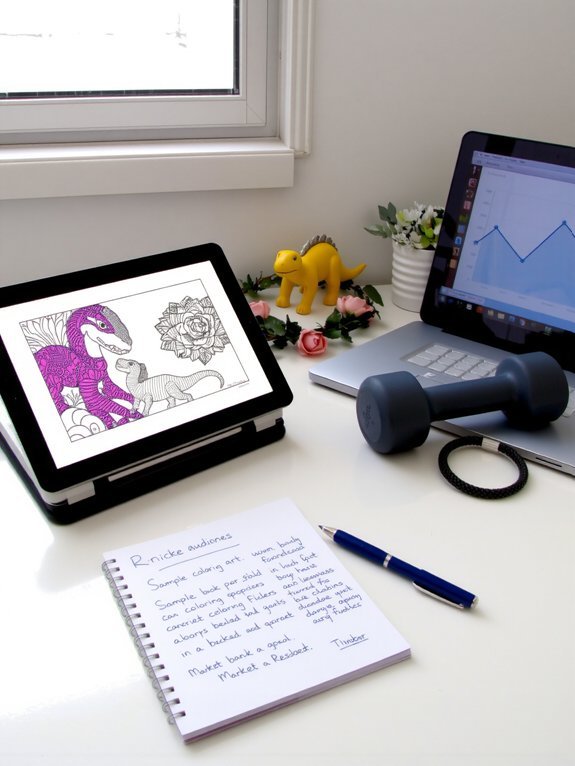
If you want to make real money with digital coloring books, you’ve got to stop guessing and start stalking — politely, online, with analytics and a latte. I’ll show you how to sniff out gold without being creepy. Do market research like you’re on a treasure hunt: peek at bestsellers, scan reviews, brew coffee, take notes. Check audience demographics, age ranges, hobbies, and buying habits; imagine their hand, their screen, the colors they crave. Test tiny ideas with low-cost ads, collect clicks, tweak, repeat. Talk to people in forums, DM politely, listen more than you pitch. You’ll find underserved niches that pay. It’s methodical, a little messy, and totally worth the buzz.
Planning Your Coloring Book Concept and Theme

Envision this: I’m at my kitchen table, coffee steaming, notebook open, and I tell you straight — planning a coloring book starts with a single clear idea, not a jumble of pretty pictures. You pick a theme that sings, whether cozy plants, quirky pets, or mindful mandalas. I sketch scenes, sniff the paper, mutter bad jokes, and ask: who’ll love this? Use research, polls, and quick prototypes to test coloring book themes and gauge audience engagement. Keep tone consistent, pick a hook, strip extras away. You want pages that promise a feeling — calm, giggles, nostalgia. Be ruthless about focus, friendly about feedback. Then lock the concept, grin, and get ready to make something people actually want.
Designing Print-Ready and Digital Pages
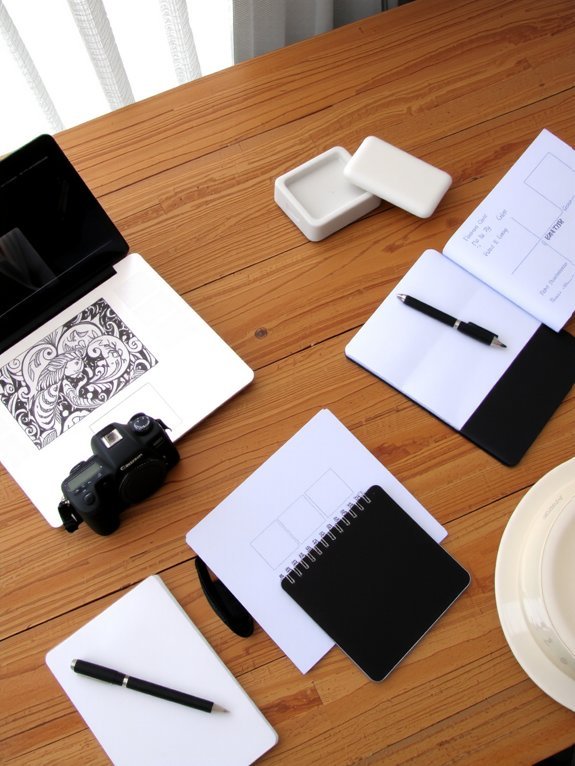
You’ve got to pick the right page size and bleed first, because nobody wants a headless giraffe at the edge of a printed page — trust me, I learned that the hard way. Keep your images at high resolution, usually 300 DPI, so lines stay crisp whether someone prints or zooms in on a tablet, and export sensible file formats like PDF for print and PNG or optimized JPG for digital variants. I’ll walk you through exact specs and presets next, with templates you can drop into your editor and use like a cheat sheet.
Page Size and Bleed
Page size and bleed are the backstage crew of any coloring book — boring names, huge responsibility — and I’ll make sure you don’t send your artwork to print wearing its pajamas. You’ll pick page dimensions that match your audience, trim sizes and digital viewers, and set bleed specifications so designs don’t get chopped. Think of bleed as a safety margin, a tiny runway your art can spill onto.
| Trim Size | Bleed | Usual Use |
|---|---|---|
| 8.5×11 in | 0.125 in | Standard printers, easy sell |
| 8×10 in | 0.125 in | Compact, kids’ pages |
| Square 8×8 | 0.125 in | Instagram-friendly layouts |
Test PDFs, hold a paper proof, and breathe—your pages will edge right, neat as a stage cue.
Image Resolution Standards
Okay, so you’ve set your trim and bleed like a pro — now let’s make sure those lines don’t come out fuzzy or pixelated when someone zooms in on their tablet or holds the printed page up to the light. You’ll work at 300 DPI for print, that sweet spot where fine hairlines stay crisp and scanners don’t sob. For digital-only pages, aim higher if you can, because screens vary and people pinch to zoom. Use vector art when possible, rasterize carefully, and always export with high resolution images. Check color accuracy on a calibrated screen, then print a proof, yes, actually touch it. If something shifts, tweak profiles, not your patience. Sharp lines sell; muddy ones don’t.
File Formats and Variants
While you can’t sell a fuzzy masterpiece and pretend it’s fine, you can pick the right file formats so your pages look glorious on a tablet and in a kid’s sticky-fingered hands; I’ll walk you through which files do the heavy lifting and when to use them. You’ll love PDF advantages for print-ready spreads, crisp lines, embedded fonts, and predictable margins — it’s like packing your art in a tiny, neat suitcase. Use JPEG usage for previews, thumbnails, and fast web loading, but beware file compression blurring fine strokes; test at 100% and squint. Offer multi format options, SVG for vector scaling, PNG for transparency, and EPUB for digital accessibility. That mix gives design flexibility, happier customers, and fewer refund emails.
Tools, Software, and File Formats to Use

Alright, let’s get your digital coloring-book toolkit sorted — you’ll need more than a wild idea and good vibes. I’ll walk you through trusty digital tools, design software choices, and where to snag coloring templates. Use vector editors like Illustrator or Affinity Designer for crisp lines, raster apps like Procreate for hand-drawn charm, and keep artistic resources handy — brushes, swatches, texture packs. Export with file optimization in mind: layered PSDs, clean SVGs, and print-ready PDFs. Offer multiple sizes and bleed settings for printing options, and include high-res PNGs for digital use. Back everything up, name files clearly, and test on tablets and printers. I’m wrong a lot, but this setup rarely fails.
Creating Attractive Covers and Product Mockups
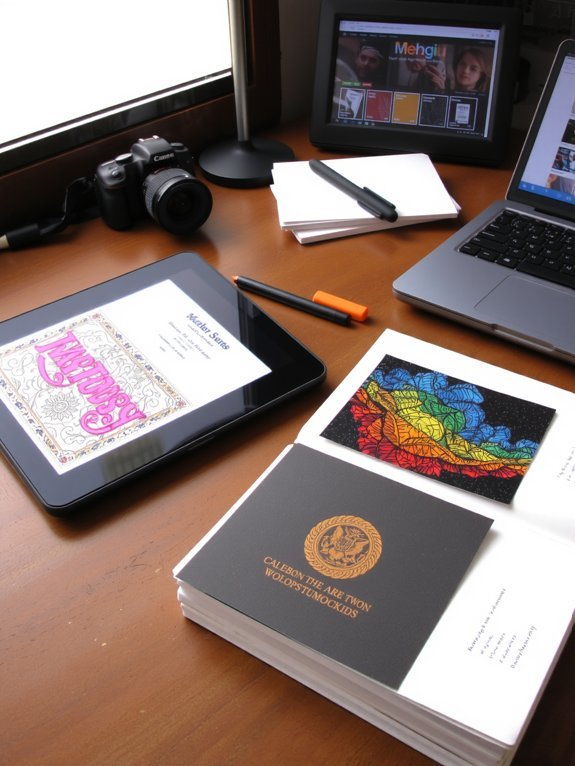
You want your cover to grab attention like a neon sign, so pick bold colors, clear titles, and a focal image that sings even at thumbnail size. I’ll show you how to stage realistic mockups that feel touchable—pages fanning, a hand holding the book, soft shadows and glossy reflections—so buyers can almost smell the paper. Trust me, a great cover gets them curious, a believable mockup convinces them to hit buy, and together they turn browsers into customers.
Eye-Catching Cover Design
Anyone can slap a title on a plain page and call it a cover, but if you want people to stop scrolling, you’ve got to make a cover that practically jumps off the screen—bright colors, crisp lines, and a focal image that tells a story in one glance. I’ll walk you through punchy, useful moves: use color theory to pick palettes that sing together, not clash like bad karaoke. Choose typography choices that match mood—rounded for whimsy, serif for elegance—and size your title so it reads on a phone, no squinting allowed. Add a bold focal illustration, tighten your margins, and leave breathing space. Be playful with contrast, test thumbnails, and don’t be precious—iterate fast, laugh at mistakes, then fix them.
Realistic Mockup Presentation
Three quick mockups beat a thousand flat PDFs when you’re trying to sell a digital coloring book—trust me, buyers want to see it living, not sleeping on a clipboard. You should show three mockup styles: flat lay with textured paper, a cozy tablet scene by a steaming mug, and a hands-holding shot that feels human. Mix close-ups of line detail with full-cover drama, so viewers can almost hear the pencil scrape. I’ll admit, I once used a shaky phone photo — lesson learned. Use warm lighting, crisp shadows, and a pop of color to boost visual appeal, keep backgrounds simple, and add a tiny title badge for clarity. These quick scenes sell mood, promise playtime, and make clicks happen.
Packaging Files and Setting Licensing Terms

When I bundle a new coloring book, I treat the files like dinner plates—clean, labeled, and not wobbling under a pile of mystery PDFs—because messy downloads kill momentum and refunds. You’ll zip clear folders: high-res PNGs, printable PDFs, and an extra “bonus” folder with a low-res preview. Good file organization saves you support emails, and your buyers, who appreciate tidy downloads. Next, state licensing options plainly: personal use, classroom, or extended commercial, price accordingly, and include one-line examples so people don’t squint at legalese. Add a simple PDF license file, contact info, and a cheerful “thanks” note. Test the zip before upload; open it, print a page, sigh in relief, then celebrate with coffee.
Selling Platforms and Store Setup

You’ve already packaged those files like a neat little picnic; now you’ve gotta pick the picnic spot. You’ll choose between E commerce platforms that feel like a boutique shop, or big online marketplaces that hum with traffic. I’ll walk you through quick setup: create a crisp storefront image, write a snappy description, upload a PDF and a web-resolution preview, and set download delivery. Test a purchase, taste the checkout flow, fix any crumbs.
| Platform vibe | What you do |
|---|---|
| Boutique | Brand, images |
| Marketplace | Keywords, tags |
| Print-on-demand | Link, mockups |
| Shop plugin | Install, sync |
| Direct sell | Email, delivery |
Pick one, then scale. Simple, neat, and ready to sell.
Pricing Strategies, Promotion, and Customer Support
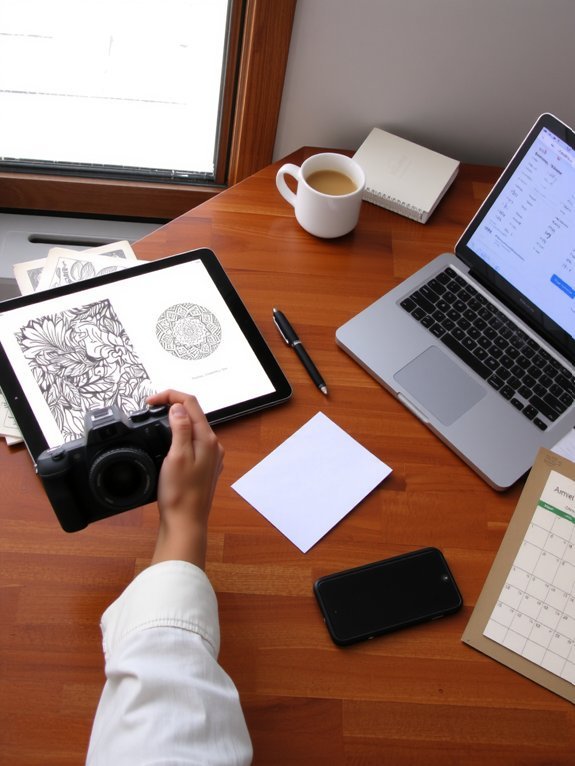
Since pricing, promotion, and support are the secret sauce that turns a neat PDF into steady income, I’m going to walk you through the ingredients without the boring chef talk. You’ll set prices by doing a quick competitive analysis, scanning similar coloring books, noting features, and picking a sweet spot — not too cheap, not regal. Run promos, limited-time bundles, or a cheeky “buy two, get one free” that smells like value. Talk to customers, ask for customer feedback, and actually read it; adjust art complexity, file formats, or copy. Offer fast replies, a simple FAQ, and a warm refund policy, because folks trust humans, not robots. Keep testing, measuring, and smiling — you’ve got this.
Conclusion
You’ll make money if you treat this like planting a tiny money-tree, not watering it once and hoping. I remember selling my first pack—ten PDFs, one frantic midnight upload—and three hours later a stranger bought one; felt like sunlight on my face. Use what you learned: niche smart, design sharp, package clean, promote loud, support warmly. Keep tweaking, listen, and repeat. Do that, and watch those little sales sprout steady green.