You want to sell cool designs without hoarding boxes in your garage, and I’m here to walk you through using Printful with Shopify to make that happen. Picture a slick storefront, mockups that practically sell themselves, and orders printing and shipping while you sleep—yes, really. I’ll show you niche picks, pricing math, and marketing moves that actually convert, plus the mistakes I made so you don’t repeat them. Ready for the next step?
Why Printful and Shopify Are a Profitable Combination
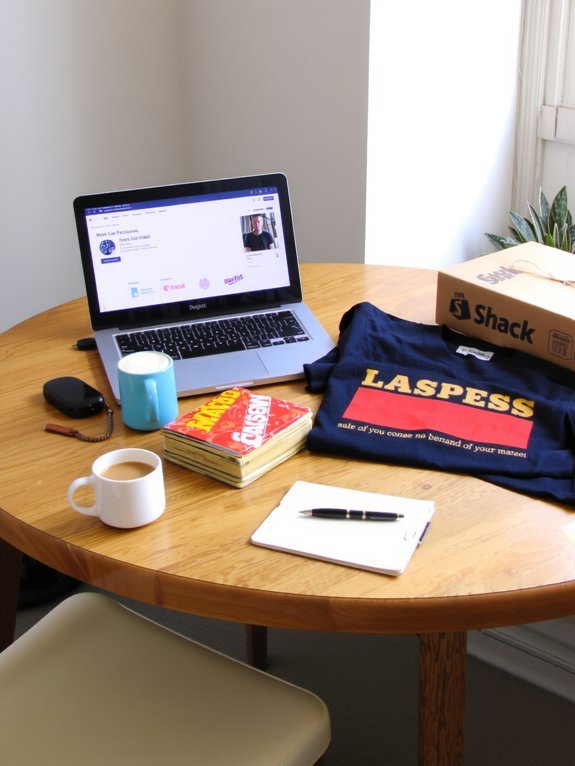
If you want something that actually makes money without turning your life into a full-time spreadsheet, listen up: I picked Printful and Shopify because they do the heavy lifting while I collect the applause (and the payouts). You get Printful advantages like fast fulfillment speed and on-demand production, while Shopify benefits give you a slick storefront and smooth checkout. That business synergy feels like teamwork that actually pays. You follow e commerce trends, tweak listings after a quick market analysis, and watch customer satisfaction climb. You smell fresh packaging, hear a notification ding, and grin. Branding opportunities pop up everywhere, you test designs, then scale what sticks. I’ll brag a little, but mostly I just ship joy — and profit.
Choosing a Niche and Validating Product Ideas
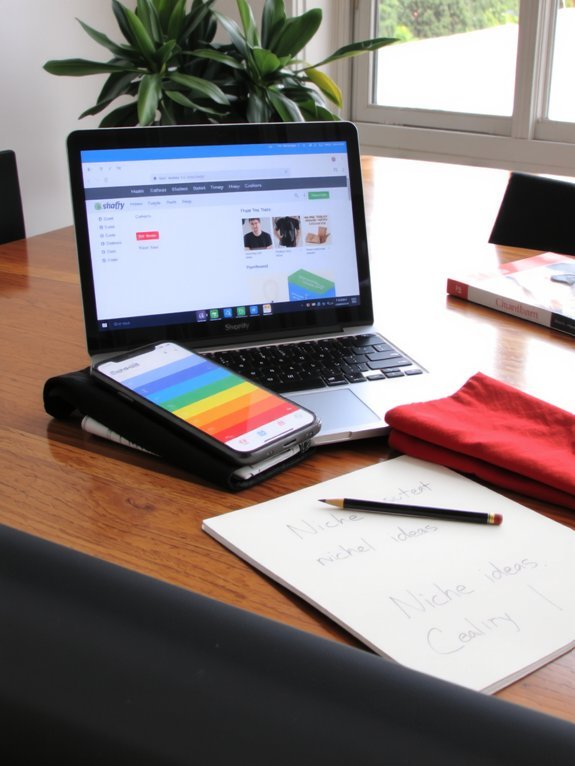
Niche hunting is part science, part stubborn curiosity, and I’m going to make you love it — or at least tolerate it with coffee. You’ll start by picturing your ideal customer, your target audience, smell their morning coffee, hear the podcast they binge. Then do market research: keyword tools, forums, Instagram tags, see what sells and what’s missing. Pick a vibe, not everything. Design three product ideas, print mockups, show them to five real people, watch reactions, take notes. Price something bold, then adjust. Kill ideas that limp. Keep the winners and scale slowly. You’ll waste a little time, learn a lot, and laugh at your first terrible mockup. That’s the fun part, seriously.
Setting Up Your Shopify Store Step by Step

Alright, let’s get your shop open — pick a Shopify plan that fits your pace and budget, I’ll wait while you grumble at the pricing tiers. Next, set up payments so customers can actually hand over cash, and configure shipping rules so nothing gets lost in transit or stuck in customs limbo. Do those two things cleanly, and you’ve cleared the biggest technical hump before we hook Printful into the system.
Choose a Shopify Plan
Because this is where your store stops being a dream and starts getting real, you’re going to pick a Shopify plan that actually fits how you work—fast, cheap, or full-featured. I’ll walk you through Shopify pricing with a quick plan comparison, no snooze-inducing charts, just the bits that matter. Want low monthly cost, fewer bells, and fewer headaches? Choose the basic plan. Want more reports, lower fees, and smoother scaling? Go mid-tier. Need advanced shipping logic and pro tools? Upgrade. Listen to your workflow: how many products, how much traffic, and whether you need staff accounts. Imagine the monthly charge appearing, feel the tiny sting, then smile—because you picked the plan that lets your Printful creations sell without drama.
Configure Payment & Shipping
Once you’ve picked a plan, it’s time to make your store actually take money and get products to people without a meltdown. You’ll go into Settings, click Payments, and pick payment gateways that suit your customers — Shopify Payments, PayPal, or regional options. I’ll say it plainly: test a card, feel that tiny victorious chime, and breathe. Next, Shipping. Hit Shipping and delivery, create zones, set rates, and choose shipping options like flat rate, carrier-calculated, or free over a threshold. Connect Printful’s sync so fulfillment matches rates, no awkward surprises. I tweak a sample order, read the confirmation email aloud (don’t judge me), and adjust until everything smells right. Now you’re ready to sell.
Integrating Printful and Creating Product Mockups
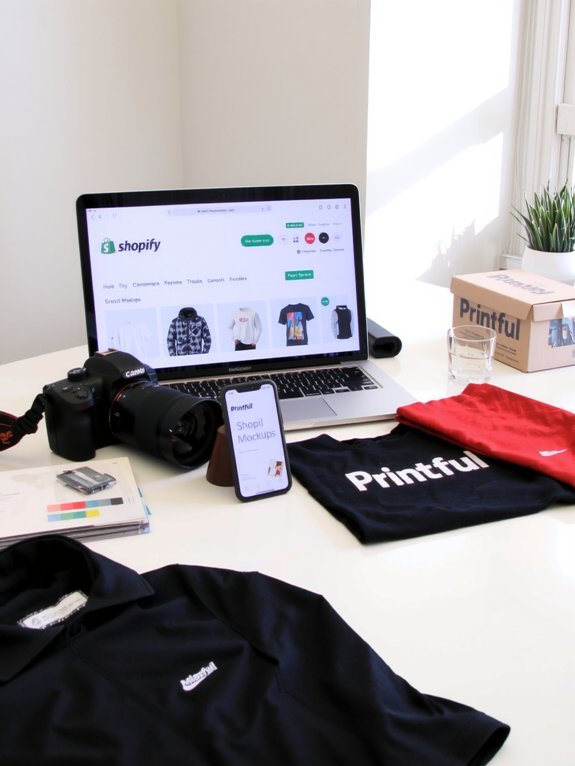
Now we hook up Printful to your Shopify store—it’s just a few clicks, some permissions, and a tiny amount of techno-holding-my-breath while things sync. Then you upload designs and create realistic mockups that show texture, fit, and how a tee or mug catches light, so shoppers can practically feel the fabric through the screen. I’ll walk you through the exact steps, and yes, I’ll admit when I once used a bad mockup that made a shirt look like papier-mâché.
Connect Printful to Shopify
Step 1: plug Printful into Shopify — it’s simpler than it sounds, I promise. You’ll open your Shopify dashboard, click Apps, and add the Printful app; I do it with my coffee warm, fingers ready. Grant permissions, follow prompts, and feel that tiny thrill when the stores link. This Printful integration syncs products, orders, and shipping info, so don’t skip the walkthrough. Then check Shopify settings: taxes, shipping profiles, and notification emails, tweak them while you sip, and breathe easier. I talk you through SKU mapping, variant sync, and how to push products live without panic. It’s methodical, oddly satisfying, and yes, a little like assembling Ikea furniture — quicker if you don’t stare at the instructions.
Design Realistic Product Mockups
If you want people to actually buy your stuff, you’ve got to make it look irresistible — and that starts with mockups that feel real, not like a Photoshop fever dream. I’ll say it plain: realistic mockups sell. You pick clean backgrounds, soft shadows, and a hand or hanger for scale, then watch clicks turn into cart additions. Use Printful’s mockup generator, or snap staged photos with a phone, lighting from a window, texture you can almost touch. Focus on product visualization—zoom, fabric drape, tag detail. Swap colors, show worn-in looks, add a lifestyle shot so shoppers imagine themselves owning it. Be picky. Trim the noise. If it looks homemade, some buyers will smell the craft beer before they read the tag.
Pricing Strategies and Calculating Profit Margins

Because you can’t wing pricing and hope for the best, I’m going to make you a little ruthless about numbers—calm, clever, and slightly snack-motivated. You’ll pick a pricing model, test it, then tweak like a lab tech with a coffee stain. Start by listing Printful base costs, Shopify fees, shipping, taxes, and your time; then run a quick profit analysis so nothing hides in the corners. Use keystone, cost-plus, or value-based approaches, mix promos sparingly, and watch margin erosion like it’s melting chocolate. Set minimum acceptable profit, price for perceived value, and build bundles that feel like a steal. Track conversions daily, iterate weekly, and celebrate small wins with a crunchy snack.
Writing Product Descriptions and Optimizing Listings

When you’re staring at a blank product page, squinting like a detective at a crime scene, I’ll tell you what to do: write like you’re talking to a friend who wants the truth and a good laugh, not a robot that needs specs. Use product storytelling to paint texture, smell, and why this tee matters at 2 a.m. Be honest, funny, and specific. Sprinkle keyword optimization into title and meta, naturally. Lead with benefit, follow with material and fit, end with a tiny nudge.
| Feature | Tip |
|---|---|
| Hook | Start with a vivid line |
| Benefit | Say how it helps |
| Specs | Keep short, clear |
| SEO | Add keywords, naturally |
| CTA | One line, friendly |
Marketing Tactics to Drive Traffic and Sales

Great product copy gets people curious; now you’ve got to shove them into the checkout line. You’ll use social media like a loud, charming street vendor—bright images, short reels, quick captions, and a call-to-buy. Pair that with email marketing: snappy subject lines, one-click buys, and cart reminders that sound like a friend. I’ll nudge influencers for influencer partnerships, send free samples, and watch shout-outs work. Content creation fuels search optimization, blog posts and keywords that pull traffic, while paid advertising targets buyers fast. Launch affiliate programs for enthusiastic promoters, reward referrals, and keep community engagement buzzing—reply to comments, host live Q&As, run polls. Do these, and sales will follow, like bees to warm honey.
Scaling Your Business and Managing Growth
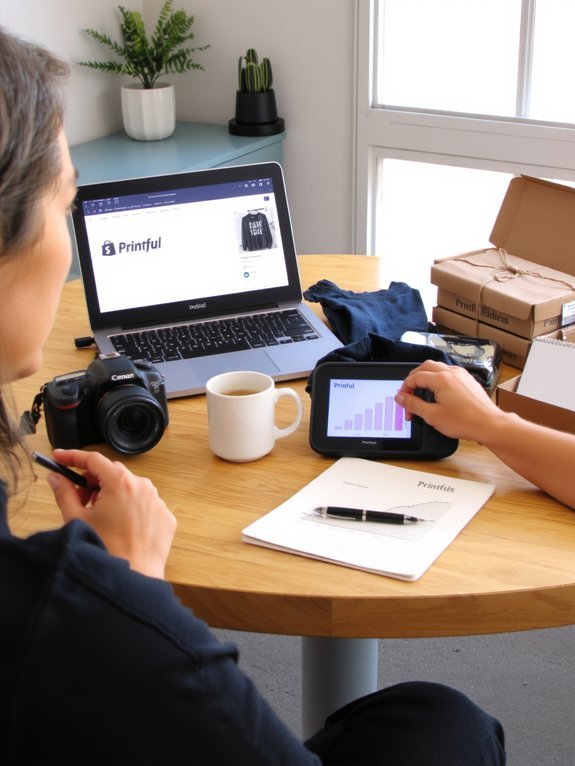
Now that orders are raining in and your notifications sound like a slot machine, it’s time to think bigger — and steadier. You’ll need clear scaling strategies, so I’d start by automating routine tasks, batching designs, and outsourcing boring admin. Track metrics daily, weekly, then breathe; growth management isn’t chaos, it’s pattern-spotting. Upgrade your Shopify plan, add Printful variants smartly, and test ad spend in small bursts. When inventory or customer messages pile up, hire a part-timer or VA, don’t hero through it — you’ll burn out like a cheap candle. Keep margins visible, price for profit, and document workflows so onboarding’s painless. Celebrate small wins, laugh at screw-ups, then fix them fast. You’re building a real business, not a hobby that owes rent.
Conclusion
You’ve got the tools, now hustle. Pick one niche, test three designs, launch fast — don’t wait for perfection. Remember: 90% of shoppers say authenticity beats polish, so show your messy, human side. I’ll bet you’ll learn more from week one of real orders than a month of planning. Keep margins tight, promote daily, and treat feedback like fuel. You’ll stumble, laugh, tweak, then watch a real business form. Go sell something.