


You want to make money selling Canva templates, and yes, it’s simpler than your last “brilliant” side hustle idea that died in a Google Sheet. I’ll walk you through picking hungry niches, crafting templates that actually sell, and packaging them like a pro—clean hierarchy, bold color, quick swaps—so buyers feel smug and productive. You’ll learn pricing, mockups, and marketing tricks that get clicks, but first: decide who you’re serving, because that changes everything.
Why Canva Templates Sell: Market Trends and Buyer Needs
Even if you’ve never opened Canva, you’ve probably seen its work — bright, clickable Instagram posts, neat wedding invites, slick business decks — and wondered how people actually buy those things. You notice trends, colors, templates that feel familiar; you smell fresh coffee as someone tweaks a layout at midnight. I’ll tell you straight: market demand drives clicks, but buyer psychology seals the sale. You tap into wants — save time, look professional, feel clever — and design that whispers “done for you.” You’ll watch metrics, tweak thumbnails, listen to comments, and laugh at your own first awkward templates. Make assets that solve tiny emergencies, sprinkle charm, and buyers will reach for their cards like it’s fate.
Choosing Profitable Niches and Target Customers
You’ll start by spotting niches that actually sell — think busy wedding planners, flaky small-business owners, or Instagram-obsessed coaches, and picture what they click “buy” on. Then you’ll sketch your ideal buyer, name their pain (no time, no design skill), and imagine them opening your template with a relieved laugh. Finally, price it so you make real profit, not charity: test a few points, watch what sticks, and don’t be afraid to raise the bar when people keep buying.
Identify Niche Demand
When you want to sell Canva templates, start by smelling the market—literally pretend you can sniff out what people need—and then narrow it down fast; I tell clients to hunt for pain points like a bloodhound, not a butterfly. You do niche research, you scan forums, Etsy listings, and Instagram captions, you note recurring gripes. Then you do audience analysis, sketching who’s saying “I need this now” and why. Listen to tone, feel the urgency, jot down phrases customers use. Test a simple freebie, watch clicks, count downloads, tweak. Picture yourself with a clipboard, coffee steaming, eavesdropping politely online. Be ruthless: drop sleepy ideas, double down on spicy ones, and let market signals steer your template themes.
Target Ideal Buyers
Alright, you’ve sniffed out the market and sketched who’s whining the loudest — now we get picky. You’ll map a tight target audience, craft buyer personas, and aim where conversion’s easiest. Picture a solo florist scrolling, coffee steam fogging her screen, muttering “help.” That’s one persona. Make a handful, name them, note pains, habits, and favorite colors. Test tiny bundles, watch clicks, tweak fast.
| Persona | Pain Point | Quick Win |
|---|---|---|
| Solo Florist | Time-poor | Ready IG posts |
| Wellness Coach | Brand blurry | Consistent kit |
| Etsy Seller | Low conversions | Product mockups |
| Event Planner | Tight deadlines | Timeline templates |
| Blogger | Content drought | Post schedule |
Lock onto real people, sell to needs, not fantasies.
Price for Profit
Three things matter most when you price for profit: who’s buying, what they’ll pay, and how you make it feel worth it—fast. You’ll pick niches where buyers bite quickly — wedding planners, coaches, indie shops — then map their budgets like a treasure map. Do ruthless competitive analysis, peek at prices, and undercut with smarter value, not cheapness. Calculate profit margins per sale, factor time, and slap on extras that smell like VIP: quick-start guides, mockups, maybe a cheeky template tweak service. Say the price, own it, and show the benefit in one clean sentence. I joke, I test, I tweak. You’ll watch conversions climb, pockets get heavier, and finally say, “That was easier than I thought.”
Essential Design Principles for High-Converting Templates
Design is the handshake your template gives before anyone reads a word, and you want it confident, not clingy—so I’m going to show you how to make that first impression sparkle. You’ll start by ordering elements with clear visual hierarchy: big headline, supportive subhead, tiny fine print — like a vocal pianist leading a choir. Use color theory to guide emotion, pick two dominant hues and a neutral, test contrast, and make CTAs pop like neon on matte. Keep spacing generous, breathe between blocks, and align stuff so eyes glide. Choose readable fonts, limit styles, and use imagery that smells like the brand — bright, warm, crisp. I’ll nag you gently: simplify, preview, tweak, and sell the feeling, not the pixels.
Creating Templates Faster With Systems and Assets
You’ll speed up production when you reuse design blocks, snapping them together like Lego so your layouts feel fresh but effortless. Keep an organized asset library — colors, icons, and photos tidy in folders — so you can grab what you need without hunting, trust me, I’ve wasted an afternoon on a missing PNG. Use a short template-creation checklist to run through steps fast, catch mistakes, and stop reinventing the wheel every time.
Reusable Design Blocks
I usually start by stealing my own shortcuts — seriously, I’ve got a folder of little canned bits that save me hours when I’m building a template, and you can make the same stash. You’ll copy-paste headers, button groups, color-block combos, and tiny icon clusters, tweak one or two settings, and boom — design efficiency rockets. Treat each block like a LEGO piece, snap them together, swap textures, test contrast, and you’ll see template versatility instantly. You’ll hear the satisfying click of things aligning, smell fresh coffee, curse a misaligned margin, then laugh and fix it in seconds. Reusable blocks stop decision fatigue, speed delivery, and let you prototype with reckless joy. Build once, sell many times.
Organized Asset Library
Think of your asset library like a pantry you actually use — tidy shelves, labeled jars, and everything within arm’s reach when hunger (or a deadline) strikes. I keep folders by color, icon, font, and mood, so template organization feels like a calm grocery run, not a scavenger hunt. You’ll tag files, name them clearly, and nest categories for quick grabs. Asset categorization matters — buttons, headers, textures, mockups, each in its place. I drag, drop, and tweak, hearing the satisfying click of progress. When a client calls, I don’t panic. I open my library, choose, and ship. You’ll save hours, avoid creative potholes, and actually enjoy making templates again — yes, really.
Template Creation Checklist
Nice pantry. You open the shelf, I hand you a checklist, and we streamline chaos into products. Start with template types: list each use, size, and variation. Grab your go-to design tools, set fonts and colors, stash assets in labeled folders. Follow this mini-table to pace work, it’s oddly soothing:
| Step | Item | Time |
|---|---|---|
| 1 | Plan types | 10m |
| 2 | Gather assets | 15m |
| 3 | Build + test | 30m |
Work in timed sprints, keep a master file for swaps, and test export quality. I’ll nag you about naming conventions, but you’ll thank me when files don’t explode. Export presets, preview mockups, write short instructions. Ship fast, iterate often, profit more than you expected—yes, even with my messy desk.
Pricing, Licensing, and Packaging Strategies
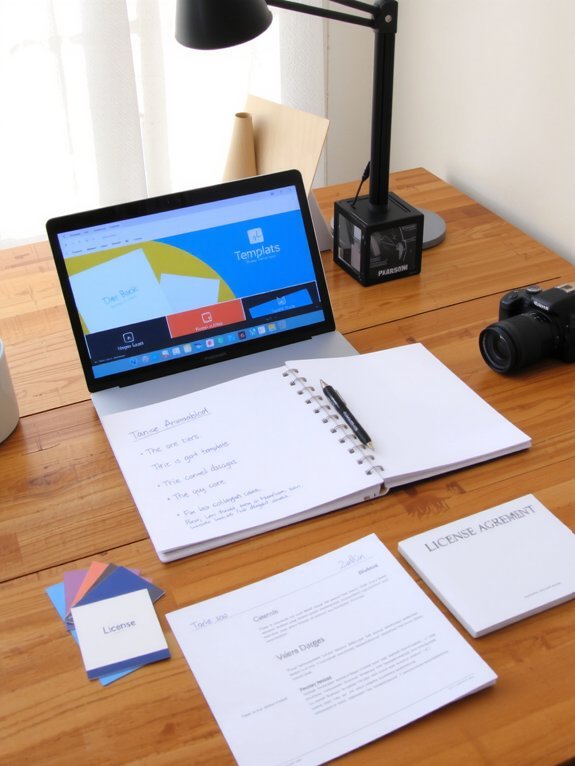
Once you’ve got a handful of gorgeous Canva templates ready to sell, it’s time to put a price tag on them without sounding like a bargain bin hustler or a luxury brand poser. You’ll choose pricing models that fit buyers — single-use, subscription, or tiered bundles — and test what sticks. I tell you to offer clear licensing options: personal, commercial, extended. Say it plainly, stamp it on the product page, no legalese that naps. Package with eye candy: preview images, mockups that pop, and a short swipe-file for copy. Throw in a low-cost sample, a mid-tier bundle, and a premium pack with extras. Be fair, be bold, and watch customers trade curiosity for checkout.
Sales Channels: Marketplaces, Your Own Store, and Bundles
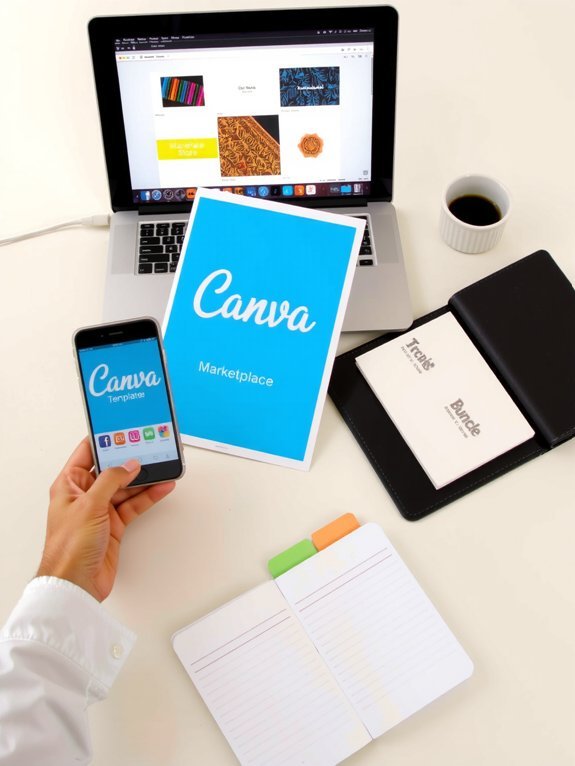
Alright, you’ve priced and prettied your templates — now let’s get them in front of eyeballs who actually buy stuff. You’ll split effort between marketplaces and your own shop, because exposure matters, and so does control. On marketplaces use marketplace strategies: crisp thumbnails, keyword-rich titles, and freebies to hook people; think of them as crowded bazaars where impulse buys happen. For your own store, nail the store setup: clean landing pages, instant downloads, clear licensing, and a tiny FAQ that answers dumb questions before they’re asked. Then bundle: mix slow-sellers with hits, add a “complete kit” and watch perceived value spike. I’ll be blunt — diversify, track sales, tweak listings, and don’t cling to any single channel.
Marketing Tactics to Drive Traffic and Repeat Sales
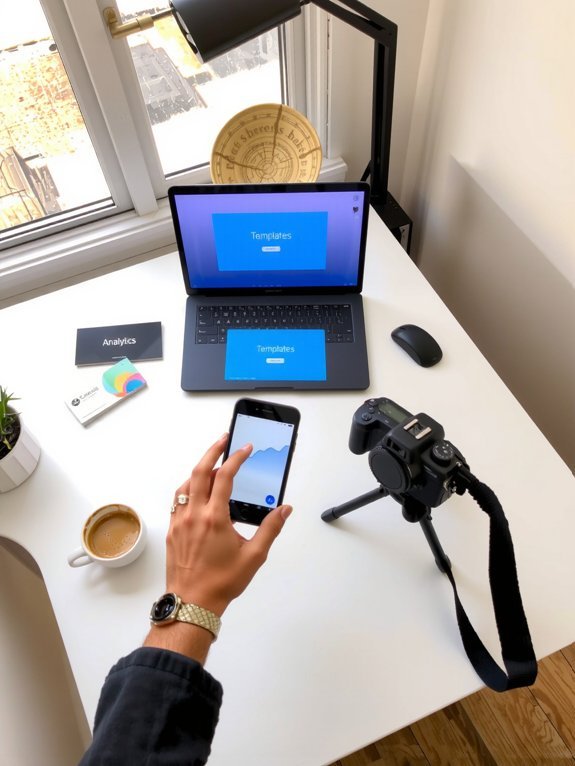
If you want people clicking “buy” instead of just scrolling past, you’ve got to make noise and look irresistible while you do it — I’ll show you how to do both without becoming that one spammy seller everyone mute-follows. You’ll use social media like a flashy window, sprinkle SEO strategies in listings, and run promotional campaigns that smell like freshly brewed coffee: warm, inviting, hard to ignore. I’ll teach you email marketing that nudges not nags, and content marketing that teaches while it seduces. Try influencer collaborations and brand partnerships for instant credibility, add paid advertising for scale, and build referral programs to turn fans into sales machines. Focus on customer engagement, test, iterate, celebrate small wins, repeat.
Conclusion
You’ve got the recipe, now stir the pot. Picture steady streams of notifications, cha-ching, and clients gushing in — not magic, just smart moves you can taste. Pick a niche, polish templates till they hum, price them like you mean it, then shove them out into the world with savvy marketing. I’ll cheer from the sidelines, coffee in hand, while you turn clean designs into reliable income. Go sell something brilliant.


